|
Go to the photo gallery:
http://www.brickboard.com/GALLERY/
by clicking here:
PICTURE GALLERY
Click on [ADD A NEW EXHIBIT], Click Browse, then select your picture from wherever it is saved on your harddrive, click Open, fill in the fields: CAR NAME/SUBJECT and select your car's Model/Year, click Submit My Image.
[If it says your file is too big, right click your photo and select Open With - Microsoft Picture Manager, choose the drop down menu Picture, select Resize, select Predefined width x height: Web - Large (640 x 480 px), click OK, save the picture and close it. You can right click your photo, choose Properties, and check that the size is now under 60 KB. If not, try making it even smaller, like 448 x 336, and/or cropping the picture, saving it, and checking its properties again].
Right click on your photo in the Gallery, and copy and past the Address (URL), such as: http://www.brickboard.com/GALLERY/images/6929.jpg
You can now either embed your photo into a post, or create a link to it.
1) To embed it, type:
"<"img src="http://www.brickboard.com/GALLERY/images/6929.jpg">
(except without the first and second quotes)
2) To create a link to it, type:
"<"a href="http://www.brickboard.com/GALLERY/images/6929.jpg">Check this out
(without the first and second quotes)
|


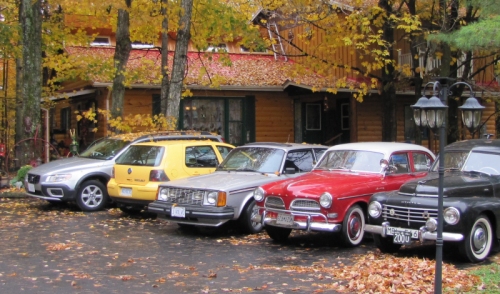
 here is the picture last one was a link! just testing the language